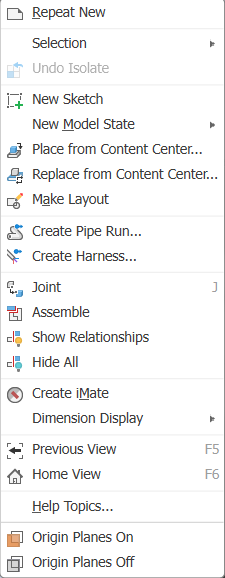
Default Work Planes On / Off
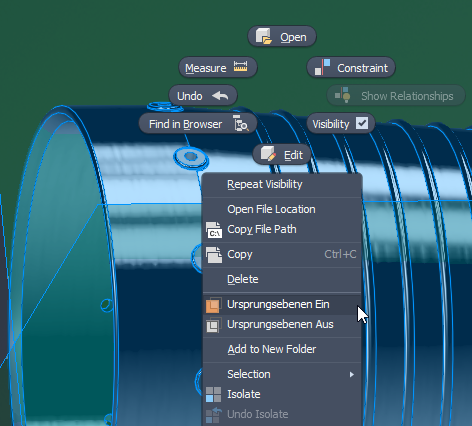
This command can be triggered by right-clicking on an assembly or a part. It provides a shortcut for quickly showing the default work planes. This can be especially useful when applying constraints. It is also possible to use this command while the Constraint dialog is open, and the work planes will be hidden again automatically afterwards.
As of version 2027, the Show Planes and Hide Planes commands in the marking menu are also available when the top-level assembly is selected (not only for components). The menu entry is consistently located after the "Copy" command.